Shopify Product Recall Checklist: Batch Tracking After an Undeclared Allergen Alert
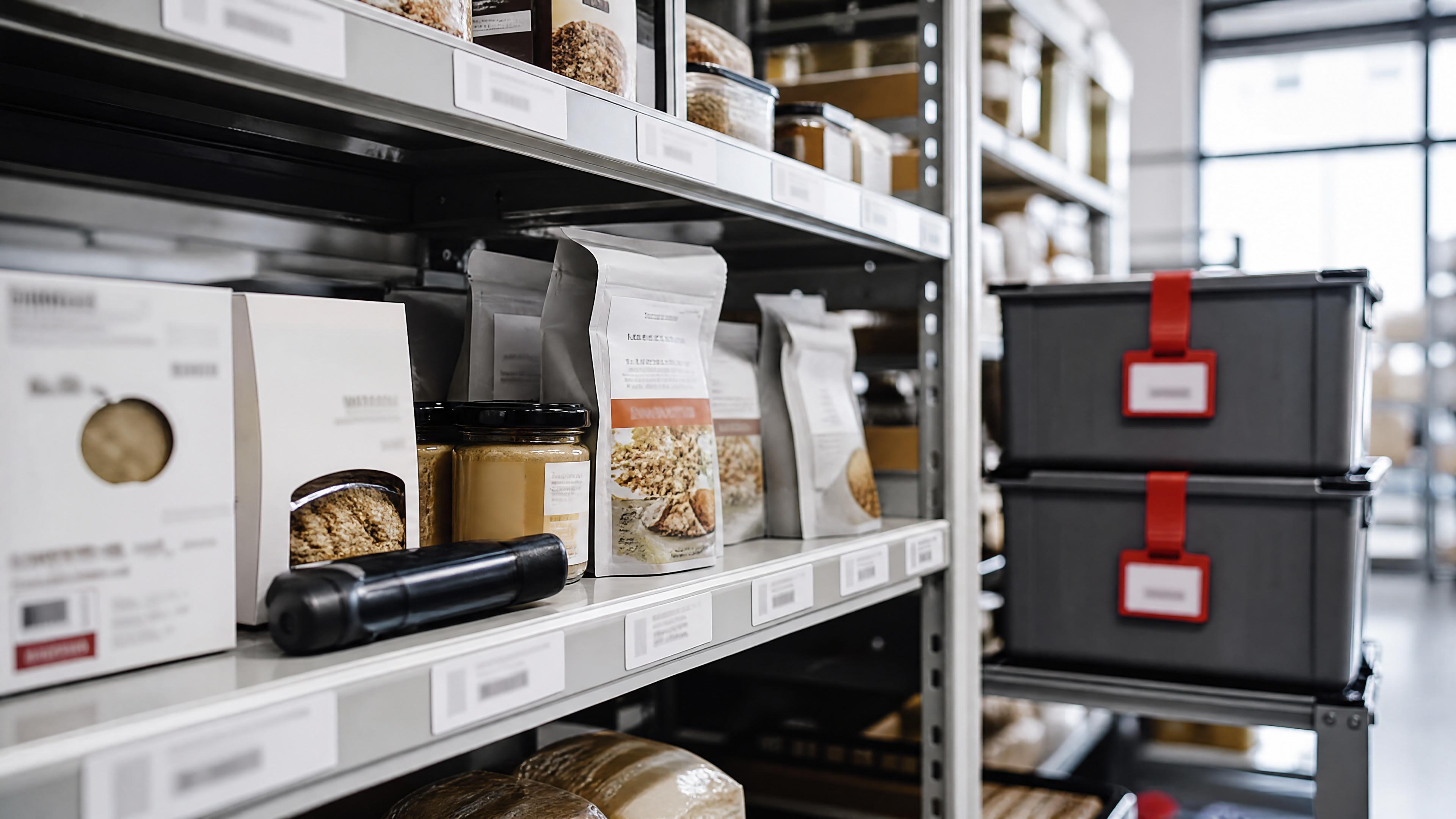
An undeclared allergen recall is one of the clearest reminders that product safety is not just a warehouse problem. It is a Shopify operations problem, a batch-tracking problem, a labeling problem, and a customer-communication problem.
The FDA enforcement database recently listed a Class II food recall for Schreiber Foods involving Einstein Bros Bagels Honey Almond Double-Whipped Shmear that had a top lid label for honey almond shmear while the cup label said plain whipped cream cheese spread. The recall reason was an undeclared almond allergen, with distribution listed in California, Colorado, Oregon, and South Carolina, and the affected code listed as “Best if Used By: Jul 21 2026.” FDA enforcement report[1]
That specific recall is not a Shopify story by itself. But the operational lesson absolutely applies to Shopify merchants selling food, supplements, cosmetics, pet products, wellness goods, and other regulated or freshness-sensitive products. If one label, lot, supplier shipment, or fulfillment batch is wrong, the store needs to know which units are affected, where they went, what pages and listings must change, and which customers need action.
Quick answer
After an undeclared allergen alert, Shopify merchants should freeze the affected SKU, identify every batch or lot that could be impacted, pull order and customer records for those units, remove or correct product pages and fulfillment instructions, contact customers with clear safety language, document the decision trail, and prevent future sales until the batch status is resolved. The FDA recall listing shows why batch-level detail matters: the operational facts include product label mismatch, UPC, distribution states, quantity, recall classification, and a specific best-by code. FDA enforcement report[1]
For Shopify stores, the key is not simply “take the product down.” The key is knowing exactly which units are risky and exactly who may have received them.
What the FDA recall shows merchants should track
The FDA enforcement entry includes several fields merchants should be able to reconstruct for their own products: recalling firm, product description, UPC, product quantity, distribution pattern, reason for recall, recall initiation date, classification date, recall number, and code information. FDA enforcement report[1]
Those fields map directly to operational questions inside a Shopify business:
| Recall fact | Shopify merchant question |
|---|---|
| Product description and UPC | Which Shopify product, variant, barcode, bundle, or listing used this item? |
| Code information or best-by date | Which lots, batches, expiry dates, or receiving dates are affected? |
| Product quantity | How many units were received, sold, still on hand, or returned? |
| Distribution pattern | Which warehouses, markets, shipping zones, stores, or 3PL nodes touched the batch? |
| Recall reason | What exact customer-facing risk language must be communicated? |
| Recall dates | When did the store know, when did it act, and what changed after that? |
A merchant who cannot answer those questions quickly may still be able to remove a product from the storefront, but they will struggle to run a targeted recall. Without batch data, every unit may have to be treated as risky. That means more customer anxiety, more refunds, more waste, more support volume, and more operational uncertainty.
The first 60 minutes after an allergen or labeling alert
The first hour is about containment. Do not start with a polished blog-style explanation for customers. Start by preventing additional exposure.
- Freeze sales for the affected SKU or variant. If the alert names a specific lot or best-by code, pause the narrowest affected scope you can confidently identify. If you cannot isolate the affected batch, pause the whole SKU until you can.
- Stop fulfillment of open orders. Search unfulfilled orders for the SKU, barcode, product title, bundle component, and any replacement-product workflow that could include the affected item.
- Separate physical inventory. Ask the warehouse, retail location, prep center, or 3PL to quarantine units by lot, best-by date, receiving date, and supplier shipment.
- Capture the source notice. Save the FDA entry, supplier email, distributor notice, or manufacturer message before details change. The FDA recall listing is a useful example because it records classification, quantity, distribution, code information, and reason for recall in one place. FDA enforcement report[1]
- Assign one owner. Recalls become messy when support, operations, marketing, and fulfillment all make separate decisions. One person should own the status log.
This is also the moment to avoid a common mistake: editing the product page without preserving what it said before. If an allergen, ingredient, size, UPC, lot, or best-by label is in question, save the current product page, variant data, metafields, supplier files, and recent fulfillment instructions before changing anything.
Build the affected-customer list
The customer list should be based on what actually shipped, not just what was ordered. A Shopify order might contain a product that was substituted, split, partially fulfilled, cancelled, or fulfilled from a different location.
Use this sequence:
- Pull every fulfilled order containing the affected product or variant.
- Narrow by fulfillment date, lot, best-by date, receiving date, supplier shipment, or warehouse location if that data exists.
- Include bundles, kits, subscriptions, wholesale orders, samples, replacements, and manual orders.
- Export customer name, email, phone when permitted, shipping address, order number, fulfillment date, quantity, and batch identifier.
- Separate customers who definitely received the affected batch from customers who may have received it.
If your store uses batch or expiry metafields, this step can be targeted. If it does not, the list may be broader than necessary. That is the business case for batch tracking: not because every recall will happen, but because when one does, precision protects customers and reduces avoidable disruption.
For related operational setup, see our guide to product expiry date management for Shopify.
What to update in Shopify before public communication
Before sending customer notices, make sure the store will not keep creating the same problem.
Check the following Shopify surfaces:
- Product status, sales channels, and online store visibility.
- Variant barcode, SKU, title, ingredient notes, allergen notes, and product description.
- Bundles, subscription products, draft orders, POS availability, and any “recommended product” placements.
- Product feeds used by Google, Meta, marketplaces, wholesale portals, or affiliate channels.
- Fulfillment notes, pick tickets, packing slips, warehouse tags, and 3PL instructions.
- Email/SMS automations that mention the product, reorder reminders, subscriptions, or replenishment campaigns.
- Customer support macros and return/refund policies for the affected item.
The FDA’s public recall resources and enforcement reports are built around traceable facts: product, firm, classification, reason, dates, and code information. Shopify merchants should mirror that discipline internally. FDA recalls and safety alerts[2]
Do not quietly rewrite history. If you change a product page, keep a record of what changed, who changed it, when it changed, and why. If a customer later asks whether their item was affected, “we edited the product page” is not an answer. “Order 1024 shipped lot X with best-by date Y, and that lot was not part of the affected code” is an answer.
Customer communication: say less, but say it clearly
Recall communication should not sound like marketing. Customers need the risk, the affected product, what to check, what to do next, and how to contact you.
A practical customer notice should include:
- Product name and variant.
- UPC, lot, batch, best-by date, or other identifying code.
- The safety issue in plain language, such as undeclared almond allergen.
- Whether customers should stop using, eating, gifting, or selling the product.
- Refund, replacement, disposal, or return instructions.
- Support contact and expected response time.
- A note not to consume the product if they have the relevant allergy or sensitivity.
Avoid vague phrases like “quality issue” when the real issue is an undeclared allergen. Allergens are not ordinary quality defects. They can create serious health risk for sensitive customers, and the customer needs enough information to act.
Batch tracking requirements merchants should adopt now
Even if a store is not legally required to keep a sophisticated recall system, it should still keep operational batch records for any product where freshness, safety, ingredients, expiration, or supplier traceability matters. The FDA enforcement example identifies a best-by code and product quantity, which are exactly the kinds of details a merchant needs when deciding who is affected. FDA enforcement report[1]
At minimum, track:
| Field | Why it matters |
|---|---|
| Supplier and purchase order | Helps identify where the product came from and whether other SKUs are affected. |
| Received date | Narrows the likely inventory window. |
| Lot or batch code | Connects physical inventory to customer orders. |
| Expiry or best-by date | Critical for food, supplements, cosmetics, and perishable goods. |
| Warehouse or location | Shows which fulfillment node handled the units. |
| Quantity received, sold, on hand, destroyed, and returned | Creates a complete recall ledger. |
| Shopify product, variant, barcode, and bundle membership | Prevents missing hidden sales paths. |
| Action status | Shows whether the batch is active, quarantined, recalled, disposed, or cleared. |
ShelfLife is built around this kind of workflow: tracking expiry dates, batch status, supplier context, and waste cost before a safety issue turns into a spreadsheet scramble. The point is not to make merchants paranoid. The point is to make the next decision fast, documented, and narrow.
A Shopify recall checklist for food, supplement, and cosmetic stores
Use this checklist when a supplier, regulator, manufacturer, customer complaint, or internal QA check flags a possible recall.
| Step | Action | Owner |
|---|---|---|
| 1 | Save the source notice and open an incident log. | Operations |
| 2 | Freeze affected Shopify SKUs, variants, bundles, and subscriptions. | Ecommerce |
| 3 | Stop fulfillment and quarantine physical inventory. | Warehouse or 3PL |
| 4 | Identify affected lots, best-by dates, suppliers, and locations. | Inventory |
| 5 | Export shipped orders by batch or likely batch window. | Operations |
| 6 | Draft customer notice with exact product and risk language. | Support and legal review |
| 7 | Update product pages, feeds, automations, and fulfillment instructions. | Ecommerce |
| 8 | Process refunds, replacements, disposals, or returns. | Support |
| 9 | Reconcile units: sold, contacted, returned, destroyed, and cleared. | Inventory |
| 10 | Run a post-incident review and fix the data gap. | Founder or operations lead |
The last step is where many merchants stop too early. A recall should produce a better system. If the store could not identify lots quickly, add lot tracking. If bundles hid affected units, change bundle records. If support did not know what to say, write a recall macro. If the 3PL could not quarantine by code, change receiving procedures.
Prevention: make recall readiness boring
Recall readiness should be built into normal receiving and product-maintenance work. When new inventory arrives, record supplier, lot, expiry, quantity, and location before units become available for sale. When a product page is edited, keep enough history to know whether ingredient, allergen, or label information changed. When a bundle is created, record its component SKUs and batches. When inventory is disposed of, returned, or donated, record that too.
The FDA enforcement database exists because recalls need structured facts, not memory. openFDA’s enforcement endpoint exposes recall records with searchable fields such as classification, product description, reason, recall number, report date, distribution pattern, and code information. openFDA food enforcement API[3]
A Shopify merchant does not need a regulator-grade system to improve. It can start with three habits:
- Every freshness-sensitive product has a batch or expiry field.
- Every received batch can be connected to orders.
- Every safety action has a dated status: active, quarantined, recalled, cleared, returned, or destroyed.
Those three habits are enough to make a future recall less chaotic.
FAQ
What should a Shopify merchant do first after an undeclared allergen alert?
Pause sales and fulfillment for the affected SKU or batch, save the source notice, and quarantine physical inventory. The FDA recall example shows why exact product, UPC, code, and recall reason matter before customer outreach starts. FDA enforcement report[1]
Do I need batch tracking if I only sell through Shopify?
Yes, if you sell food, supplements, cosmetics, pet products, wellness goods, or anything where expiry, ingredients, allergens, or supplier lots matter. Shopify order history tells you what sold, but batch tracking tells you which physical units went to which customers.
Is removing the product from the storefront enough?
No. Removing the product prevents new purchases, but it does not identify customers who already received affected units, open orders that should be stopped, bundles that include the item, or inventory sitting at a 3PL.
What information should be in a recall customer email?
Include the product name, variant, UPC or lot code, best-by date if relevant, the safety issue, what customers should do, refund or replacement instructions, and a support contact. Avoid vague “quality issue” language when the actual risk is an allergen.
How does expiry tracking help with a recall?
Expiry tracking creates a date-based and batch-based trail. If the affected units are tied to a best-by date or receiving window, the merchant can contact the right customers instead of treating every sale as affected.
What if I cannot identify the affected batch?
Use the safest broader scope, pause the SKU, contact potentially affected customers, and document the uncertainty. Then fix the underlying data gap before restocking.
Can ShelfLife replace legal or regulatory advice?
No. ShelfLife helps with operational tracking and recall readiness, but merchants should consult qualified legal, food-safety, regulatory, or compliance advisors for formal recall obligations; FDA recall resources are the source to monitor for public recall and safety-alert context. FDA recalls and safety alerts[2]
Disclaimer
This article is general ecommerce operations and product-safety workflow information, not legal, medical, regulatory, food-safety, or recall-management advice. Recall duties vary by product category, jurisdiction, facts, and regulator. Merchants should consult qualified legal, regulatory, food-safety, or compliance professionals before making recall decisions or sending formal customer notices.