Shopify Recall Batch Tracking After Boichik Bagels Sesame Allergen Alert
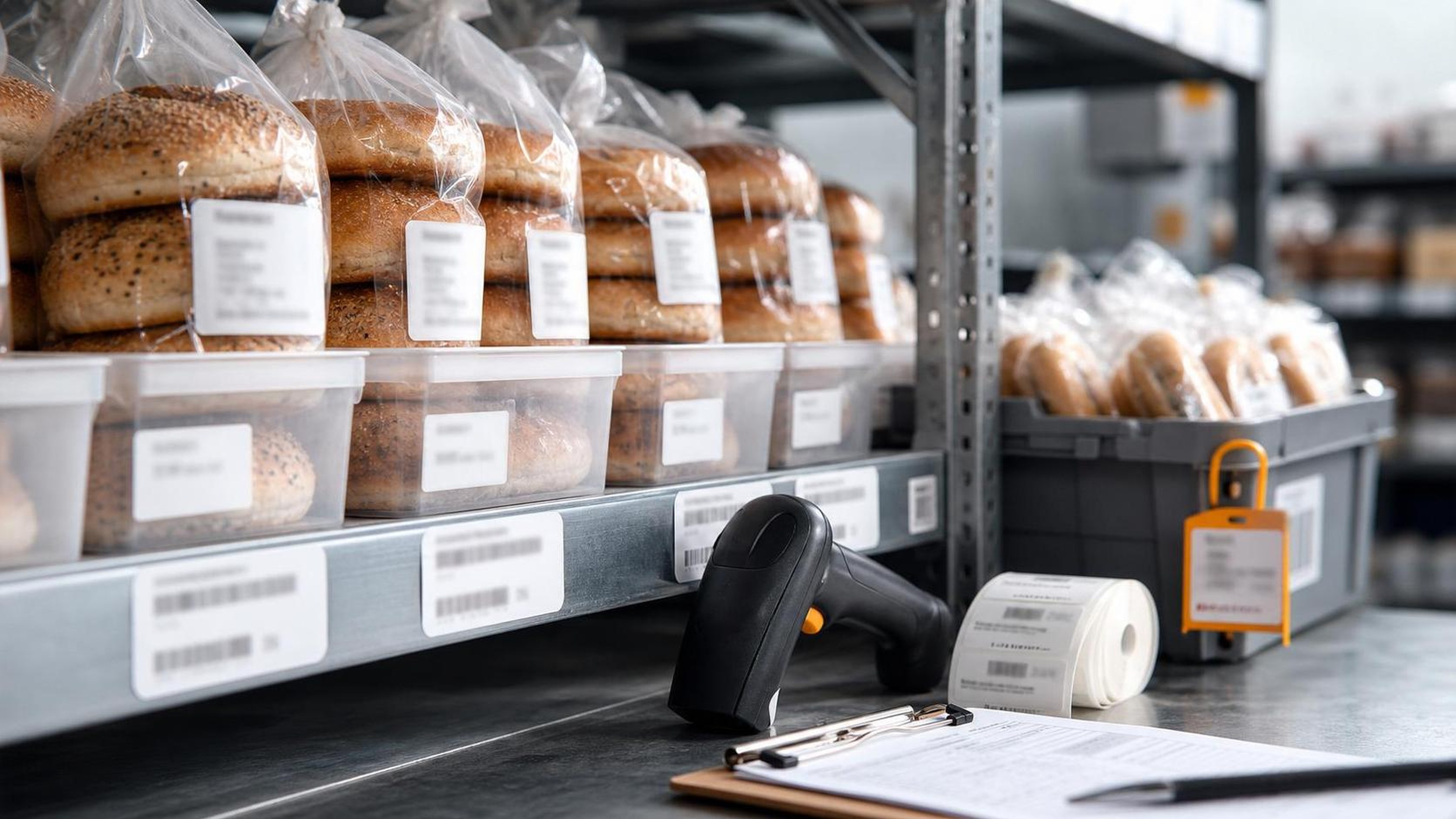
This article is based on FDA/openFDA enforcement record H-1133-2026, which lists an ongoing Class II recall for Boichik Bagels Pumpernickel Mix Bagels because of undeclared sesame. FDA openFDA enforcement record[1]
Quick answer
Shopify merchants that sell food, supplements, cosmetics, or any product with ingredient and lot risk need a way to answer a recall question quickly: which exact product batch is affected, where is remaining stock, which customers received it, and what evidence proves the response was completed.
The Boichik Bagels record is a useful operational example. FDA/openFDA lists a Class II ongoing recall for Pumpernickel Mix Bagels, 6 pre-sliced bagels, net weight 26.5 oz, UPC 850016588067. The reason for recall is "Undeclared allergen, sesame." The record lists recall number H-1133-2026, event 99082, 426 packages, a recall initiation date of 20260522, a report date of 20260701, and domestic distribution in California. FDA openFDA enforcement record[1]
For a Shopify store, the takeaway is not just "watch recall notices." The practical work is batch-level traceability. A merchant should be able to map the recalled item to the Shopify product or variant, confirm the UPC and any best-by or lot details, hold unsold inventory, identify affected orders, send customer notices, and keep a close-out record. ShelfLife is built for this operational layer: expiry dates, batch fields, lot status, and stock rotation records that help a team respond without rebuilding history from inboxes and spreadsheets.
What the FDA record says
The FDA/openFDA enforcement entry identifies Boichik Bagels, Inc. of Berkeley, California as the recalling firm. The listed product is "boichik bagles Pumpernickel Mix Bagels," 6 pre-sliced bagels, net weight 26.5 oz, with UPC 850016588067. The record says the product quantity is 426 packages, and distribution is domestic in California. The status is ongoing and the classification is Class II. FDA openFDA enforcement record[1]
The key operational detail is the recall reason: undeclared sesame. Allergen recalls are especially difficult for ecommerce teams because the affected risk may sit in the label, ingredient statement, packaging run, or product variant rather than in an obvious damaged or expired item. A store team cannot safely rely on product title alone. It needs product identifiers, UPC, lot or best-by details, supplier records, fulfillment history, and customer outreach logs.
FDA explains that recalls are actions taken to remove products from commerce when there is reason to believe the products may be unsafe, mislabeled, or otherwise in violation. FDA recalls, market withdrawals, and safety alerts[2] That makes recall handling an evidence problem as much as a customer-support problem. Merchants need to show what they checked, which units were affected, who was contacted, and how remaining stock was handled.
Why allergen recalls need batch-level discipline
Undeclared allergen recalls can be narrow. They may involve one packaging run, one UPC, one best-by date, one formula, or one product size. If the store only has a generic Shopify product called "Pumpernickel Bagels," staff may not know whether all bagels are affected, only one pack size is affected, or only inventory received during a particular window is affected.
That uncertainty creates three bad options:
- Over-hold everything and lose revenue on unaffected stock.
- Under-hold inventory and risk continued shipment of affected units.
- Spend hours manually reconstructing the truth from supplier emails, packing slips, warehouse notes, and order exports.
Batch tracking turns the recall into a finite list. The merchant can look up the recalled UPC or batch, see available quantity by location, identify fulfilled orders, and document each response step. Shopify's Admin API objects for products, variants, inventory, and orders help identify what was sold and fulfilled, but the batch or lot layer often has to be captured by the merchant or an operational app. Shopify Admin API product object[3] Shopify Admin API product variant object[4] Shopify Admin API order object[5]
A Shopify recall workflow for the Boichik pattern
When a recall alert names an exact product and UPC, the store should start with identity, not messaging. The first question is: do we sell this exact product, a private-label version of it, a bundle containing it, or a related product from the same supplier?
| Step | What to check | Record to keep |
|---|---|---|
| Verify the source | Official FDA/openFDA recall record, recall number, report date, status | Source URL, date checked, staff owner |
| Match the product | Shopify product, variant, SKU, UPC, pack size, supplier | Product and variant IDs, matching rationale |
| Isolate inventory | On-hand units by location, lot, best-by date, transfer, return, or bundle | Hold status, quantity, location, timestamp |
| Reconcile orders | Orders that received the affected item or component | Order IDs, fulfillment dates, customer notice status |
| Contact customers | Message content, send date, refund/return/disposal instructions | Outreach log and final outcome |
| Close the incident | Destroyed, returned, released, or unresolved units | Close-out packet and postmortem notes |
For this recall pattern, a good internal note would name the product as Boichik Bagels Pumpernickel Mix Bagels, UPC 850016588067, Class II, ongoing, recall H-1133-2026, reason "undeclared allergen, sesame," and report date 20260701. FDA openFDA enforcement record[1] That note should sit beside the store's own product and batch records, not in someone's private chat thread.
Do not forget bundles and subscriptions
Food merchants often sell products in ways that hide the original UPC. A bagel pack might be sold as a standalone item, included in a breakfast bundle, placed in a local delivery subscription, or used as a component in a prepared food offering. A recall search that only looks for one public product title can miss those cases.
The practical fix is to track batch-controlled components at the level where fulfillment happens. If a bundle contains a recalled item, the bundle record needs a component lot history. If a subscription order shipped the product during a recall window, the subscription should not be treated as a generic recurring order; the specific shipment matters. If inventory was transferred between locations, the location history should show when each batch moved and what remains on hand.
This is where expiry and recall workflows overlap. The same data that lets a merchant rotate stock by FEFO also helps identify affected stock during a recall. If a store captures batch, best-by date, received date, supplier, and location at receiving time, the recall workflow starts with facts instead of a scramble. A related guide covers the underlying expiry workflow in more detail: Product Expiry Date Management for Shopify.
Customer notification should be precise
A recall notice should be calm, narrow, and source-backed. It should tell customers what product is affected, what identifier they should check, what action they should take, and where the official record can be found. It should not speculate beyond the official recall source.
For this type of alert, a customer message can include:
- Product name and package size.
- UPC or other package identifier.
- The allergen issue stated in the official source.
- Clear instruction to stop using or consuming the affected product if their item matches.
- Refund, return, replacement, or disposal instructions.
- Store contact information.
- Link to the official FDA/openFDA record or FDA recall resource.
The customer list should be built from order and fulfillment history, but not every staff member needs unrestricted customer data in the recall tracker. A good operational tracker can show order ID, contact status, action taken, and owner while leaving full customer details inside Shopify's normal access controls.
What to document after the response
The close-out packet is what keeps a recall from becoming an undocumented emergency. After customer outreach and inventory holds are complete, the merchant should preserve the official source, the product match decision, inventory reconciliation, customer communication evidence, refunds or replacements, and disposal or return records.
At minimum, keep:
- Official recall source and date checked.
- Product identifiers: product name, UPC, SKU, variant, supplier, pack size, lot or best-by details when available.
- Inventory reconciliation: received, sold, held, returned, destroyed, released, and unresolved units.
- Customer outreach log: who was contacted, when, and what action was taken.
- Internal action log: holds, refunds, replacements, disposal, supplier messages, and staff owner.
- Postmortem notes: what was easy, what was manual, and what should be fixed before the next alert.
The postmortem is not busywork. If the team had to infer batch history from delivery dates, search warehouse photos, or export every order manually, that is a process gap. Fix it before the next recall.
Where ShelfLife fits
ShelfLife helps Shopify merchants track expiry dates, batches, lot status, and stock rotation so perishable or lot-sensitive inventory is not managed only through product titles and stock counts. In a recall, that operational memory matters.
For recall readiness, the most useful ShelfLife pattern is:
- Capture lot, batch, and expiry or best-by details when inventory is received.
- Keep available quantity by lot and location.
- Flag lots as active, held, recalled, released, destroyed, returned, or closed.
- Keep notes explaining why a lot was held or released.
- Use batch records to narrow order/customer review instead of searching the whole catalog.
Food, supplement, cosmetic, and specialty grocery merchants should start with the highest-risk category. Add batch fields for those items first, test a mock recall, and make sure the team can answer the basic question: "Which customers received this exact batch?"
FAQ
What is Shopify recall batch tracking?
Shopify recall batch tracking is the process of connecting a product or variant to a specific lot, batch, UPC, best-by date, order, and fulfillment record. It lets a merchant identify affected inventory and customers when a recall names a specific product batch or identifier.
What did the FDA/openFDA Boichik Bagels record say?
FDA/openFDA lists recall H-1133-2026 for Boichik Bagels Pumpernickel Mix Bagels, UPC 850016588067, because of undeclared sesame. The record lists the recall as Class II, ongoing, and distributed domestically in California. FDA openFDA enforcement record[1]
Does Shopify track lots by default?
Shopify tracks products, variants, inventory, orders, and fulfillment data, but lot-level recall traceability usually requires an added workflow or app layer. Shopify data remains essential because it ties products to orders and customers. Shopify Admin API order object[5]
What should merchants do first after an allergen recall alert?
Verify the official source first. Then match the recalled product to internal SKUs, UPCs, variants, lots, and locations. Put matching inventory on hold before sending customer notices, so the store does not keep shipping affected units while outreach is underway.
Should a merchant notify every customer who bought a similar product?
Not if the affected product or batch can be identified precisely. The goal is to notify customers connected to affected inventory and document how that list was built. If records are incomplete, the merchant may need food safety or legal guidance before deciding how broad the notice should be.
How does batch tracking help with bundles?
Bundles can hide recalled components under a different Shopify SKU. Batch tracking helps a merchant see that a gift box, subscription pack, local delivery box, or kit contained a specific product batch, even if the customer did not buy the recalled product as a standalone item.
Is this legal or food safety advice?
No. This is operational guidance for ecommerce recordkeeping. Recall obligations depend on product category, jurisdiction, supply-chain role, and regulator instructions. Merchants should rely on official sources such as FDA recall resources and qualified professionals for legal and food safety decisions. FDA recalls, market withdrawals, and safety alerts[2]
Disclaimer
This article is operational guidance for Shopify merchants and is not legal, medical, or food safety advice. Always verify recall details against official sources, follow regulator and supplier instructions, and work with qualified counsel or food safety professionals when a recall affects your store.