How to Handle Product Recalls on Shopify
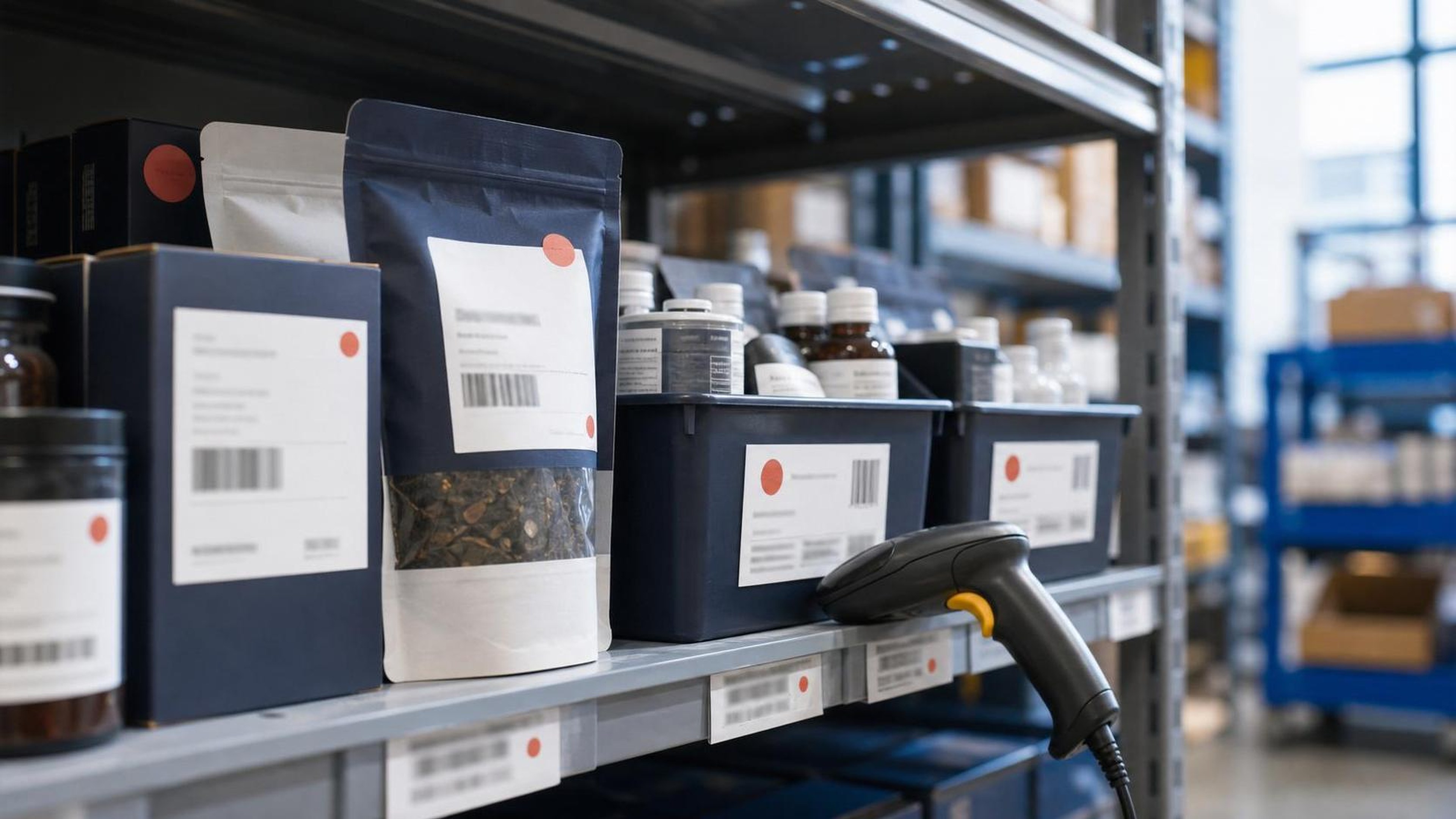
Product recalls are one of the highest-stakes operational events a Shopify merchant can face. A recall is not just a customer service issue. It can involve legal reporting duties, safety notices, refunds, returns, inventory controls, supplier documentation, marketplace communications, and sometimes border or customs questions if affected products crossed into the United States or Canada.
The right response is fast, documented, and customer-first. The wrong response is improvised across support tickets, spreadsheets, warehouse notes, and product pages that keep selling the item after the risk is known.
This guide explains how Shopify merchants should prepare for and manage a product recall, from identifying affected SKUs to notifying customers and preventing the product from re-entering circulation. It is written for ecommerce operators, not lawyers, so treat it as an operational framework and confirm the legal steps with qualified counsel or the appropriate regulator.
Quick Answer
To handle a product recall on Shopify, pause the affected products or variants, create a recall case file, identify affected customers and orders, quarantine remaining inventory, contact suppliers and any relevant regulator, send clear customer notices, track refunds or replacements, and document final inventory disposition. U.S. consumer-product recalls may involve the CPSC recall guidance[1], food and health-product recalls may involve FDA recall resources[2], and Canadian consumer or food recalls may involve the Government of Canada recalls and safety alerts portal[3]. For batch-heavy workflows, also read the Attahir Labs guide to Shopify recall batch tracking after a salmonella alert.
What Counts as a Product Recall?
A product recall is an action taken to remove, repair, replace, refund, or otherwise correct products that may create a safety, compliance, labeling, quality, or legal risk. Recalls can be voluntary, requested by a regulator, or required under applicable law.
For consumer products in the United States, the Consumer Product Safety Commission (CPSC) oversees many product categories. Food, cosmetics, drugs, medical devices, and some health-related goods may involve the Food and Drug Administration (FDA). Vehicles and vehicle equipment may involve the National Highway Traffic Safety Administration (NHTSA). In Canada, Health Canada and the Canadian Food Inspection Agency (CFIA) may be relevant depending on the product.
For Shopify merchants, the practical point is simple: if a product might be unsafe, mislabeled, contaminated, defective, counterfeit, non-compliant, or legally restricted, pause sales and investigate before more customers receive it.
Step 1: Stop Selling the Affected Product
The first operational move is to stop the risk from growing.
In Shopify, that usually means:
- Setting the affected product or variants to draft status
- Removing the product from sales channels
- Setting inventory to zero for affected variants
- Disabling automatic restock rules
- Removing the item from bundles, subscriptions, upsells, and automated merchandising
- Pausing ads and email flows that promote the product
- Checking marketplace, TikTok Shop, Amazon, Faire, wholesale, or retail integrations
If only certain lots, batch numbers, colors, sizes, suppliers, or manufacturing dates are affected, do not assume the storefront product record is enough. Shopify variants may not map neatly to lot-level risk. Use your inventory, fulfillment, purchase order, and supplier records to isolate the smallest accurate affected group.
If you cannot isolate the affected group quickly, it is usually safer to pause the broader product line while the facts are confirmed.
Step 2: Build a Recall Record
Before sending notices, create a central record of the incident. This should be a single working document or recall case file that captures every decision and source of truth.
Include:
- Product title, SKU, barcode, variant IDs, and supplier item codes
- Lot, batch, serial, expiration, production, or import dates if available
- Shopify order IDs that may include the product
- Customer names, emails, phone numbers, and shipping destinations
- Fulfillment locations and third-party logistics partners involved
- Supplier, manufacturer, importer, and distributor details
- The defect, hazard, labeling issue, or compliance concern
- The date you discovered the issue and how it was discovered
- The date sales were paused
- Regulator contacts, if any
- Customer notice copy and send dates
- Refund, replacement, disposal, or return instructions
- Evidence that affected inventory was quarantined
This record matters because recalls move fast. If support, operations, legal, suppliers, and warehouse teams each keep their own partial notes, errors multiply. A recall record lets you answer the core questions: what happened, who received the product, what did we tell them, and what did we do to prevent more harm?
Step 3: Identify Affected Customers in Shopify
The most important Shopify-specific task is creating an accurate customer list. Search orders by SKU, product, variant, tag, date range, fulfillment location, vendor, and shipping geography. Export the results and preserve the original export.
If you use lot or batch tracking through an app, warehouse system, ERP, or 3PL, reconcile that data against Shopify orders. If the recall affects a manufacturing batch but Shopify only knows the SKU, your warehouse or supplier records may be the only way to narrow the customer group.
For each affected order, capture:
- Order number and date
- Customer contact information
- Shipping address and country
- Quantity purchased
- Fulfillment status
- Tracking number
- Refund status
- Whether the notice was sent
- Whether the customer responded
- Whether the item was returned, destroyed, repaired, or replaced
Do not rely only on email open rates. A recall notice is not a marketing campaign. Depending on the seriousness of the issue, you may need multiple channels: email, SMS, phone, postal mail, account notices, website banners, social updates, marketplace messages, and notices through retail partners.
Step 4: Quarantine Inventory
Once a recall is suspected, affected inventory should be physically and digitally quarantined. That means warehouse staff, 3PLs, retail partners, and returns processors need clear instructions.
Quarantine steps may include:
- Moving affected units to a hold location
- Applying a clear hold tag in the warehouse system
- Blocking pick, pack, and ship actions for affected SKUs or lots
- Separating returned units from sellable inventory
- Disabling automated return-to-stock rules
- Photographing held inventory for documentation
- Recording final disposition, such as destruction, supplier return, or rework
Returns deserve special attention. If a customer returns a recalled item, that unit must not be automatically restocked and sold again. In Shopify and connected return apps, create a recall-specific return reason and train support to mark affected items as non-resellable.
Step 5: Contact the Supplier, Manufacturer, or Importer
Many Shopify merchants are sellers, not manufacturers. But customers bought from you, and regulators may still expect you to participate in the corrective action.
Ask suppliers for:
- Written description of the issue
- Affected lot, batch, model, or production date ranges
- Test reports, certificates, or compliance documentation
- Their proposed customer remedy
- Whether regulators have already been notified
- Whether other sellers are affected
- Instructions for returns, destruction, or repair
- Financial responsibility for refunds, shipping, replacement, and disposal
If you imported the product, keep customs and entry records. U.S. importers should understand that CBP enforces import rules at the border[4], while agencies such as CPSC, FDA, and others may regulate product safety or admissibility. The U.S. International Trade Commission publishes the Harmonized Tariff Schedule[5], which can help identify tariff classifications, but classification does not replace product safety compliance.
For cross-border merchants, a recall can also create duty, tax, re-export, destruction, drawback, and replacement shipment questions. Document whether replacement products are being imported, whether returned goods cross a border, and whether the recalled goods will be destroyed domestically or returned to the supplier.
Step 6: Decide the Customer Remedy
A recall notice should tell customers exactly what to do. Vague language creates risk and support volume.
Common remedies include:
- Full refund
- Free replacement
- Repair kit or corrected component
- Stop-use instruction
- Safe disposal instruction
- Return label and prepaid shipping
- Store credit, where legally appropriate and clearly disclosed
For safety-related recalls, do not make customers work hard to receive the remedy. If the product creates a serious hazard, requiring complicated proof, tight deadlines, or paid return shipping can look careless and may conflict with regulator expectations.
The remedy should match the risk. A mislabeled color name is different from a battery fire hazard. A missing allergen statement is different from a cosmetic packaging typo. When the issue may involve injury, illness, fire, choking, chemical exposure, electrical risk, or child safety, get legal and regulatory advice immediately.
Step 7: Write the Recall Notice
A good recall notice is clear, specific, and action-oriented. It should avoid minimizing the issue or hiding the practical instruction behind brand language.
Include:
- Product name and image
- SKU, model, lot, batch, or date range
- Purchase date range
- The hazard or reason for recall
- What customers should stop doing
- The remedy available
- How to get the refund, replacement, repair, or disposal instructions
- Customer support contact details
- Whether proof of purchase is required
- Regulator recall number or link, if applicable
Example structure:
We are recalling [Product Name] sold between [dates] because [plain-language hazard]. If you have this product, stop using it immediately. Contact us at [email/phone/form] for [refund/replacement/return/disposal instructions]. Do not dispose of the product until you have reviewed the instructions below, because we may need the lot number or a photo to confirm whether your item is affected.
Avoid promotional language in recall messages. A recall is not the time to cross-sell, soften the issue, or bury the instruction below a discount code.
Step 8: Update Shopify Support and Operations
Once customers receive the notice, support volume can spike quickly. Prepare macros, tags, internal notes, and escalation rules before the notice goes out.
Useful Shopify admin actions include:
- Tagging affected orders with a recall tag
- Tagging affected customers when appropriate
- Creating saved views for recall orders
- Adding internal notes to high-risk orders
- Creating a support macro for refund and replacement steps
- Creating a return reason that blocks restock
- Creating a discount-free replacement workflow if replacements are shipped through Shopify
- Tracking notice status in a spreadsheet, helpdesk, or recall management tool
If you use subscriptions, memberships, or reorder flows, check whether affected products are scheduled for future shipments. Pause those shipments before customers receive additional units.
Step 9: Handle Refunds, Replacements, and Cross-Border Costs
Refunds and replacements sound simple until shipping, taxes, duties, and inventory systems enter the picture.
For domestic orders, document whether the refund includes shipping and taxes. For cross-border orders, customers may also ask about import duties, brokerage, VAT/GST/HST, or replacement shipment charges. If your replacement product crosses a border, classify it correctly, use accurate customs descriptions, and avoid declaring misleading values.
Step 10: Close the Loop and Prevent Recurrence
A recall is not over when the first email goes out. It is over when the affected products are accounted for, the remedy is delivered, the regulator or supplier requirements are satisfied, and the root cause is addressed.
After the active recall period, review:
- Notice delivery rates and bounce rates
- Customer response rates
- Refund and replacement completion
- Returned or destroyed inventory counts
- Units that remain unaccounted for
- Supplier performance
- Product testing and compliance gaps
- Import, labeling, and classification records
- Whether Shopify data was sufficient to identify affected customers quickly
If the recall exposed weak lot tracking, fix that before the next incident. If support could not identify affected orders without manual exports, improve tagging or app workflows. If supplier documentation was missing or vague, update purchase requirements before reordering.
For merchants selling regulated goods, recall readiness should be part of product launch. A product page, supplier invoice, and Shopify SKU are not enough. You need traceability from purchase order to customer order.
Shopify Recall Checklist
Use this checklist when a recall is suspected:
- Pause sales for affected products and variants.
- Remove the product from all sales channels and automated campaigns.
- Create a central recall record.
- Identify affected SKUs, variants, lots, batches, and order IDs.
- Export affected customer and order data.
- Quarantine warehouse, 3PL, and returned inventory.
- Contact suppliers, manufacturers, importers, and distributors.
- Confirm regulator reporting obligations.
- Draft and approve customer notice copy.
- Send notices through appropriate channels.
- Tag affected orders and customers in Shopify.
- Prepare support macros and escalation paths.
- Issue refunds, replacements, repairs, or disposal instructions.
- Track completion and unresolved cases.
- Document final inventory disposition.
- Review root cause and improve traceability.
FAQ
Do Shopify merchants have to report product recalls?
It depends on the product, jurisdiction, and issue. In the United States, consumer product hazards may need to be reported to the CPSC, while food, drug, cosmetic, medical device, vehicle, and other categories may involve different agencies. In Canada, Health Canada or CFIA may be relevant. Do not assume that a small store is exempt. If the issue involves safety, injury, illness, or regulatory non-compliance, get qualified advice quickly.
Should I delete the recalled product from Shopify?
Usually no. It is often better to unpublish the product, remove it from sales channels, and preserve the record. Deleting product records can make it harder to trace orders, variants, inventory, customer notices, and analytics later. Preserve the evidence unless counsel or a regulator gives different instructions.
What if only one batch is affected?
If you can reliably identify the batch and match it to customer orders, narrow the recall to that batch. If you cannot connect batch data to orders, you may need to treat a larger set of orders as potentially affected. This is why lot and batch tracking matter for ecommerce operations.
Can I offer store credit instead of a refund?
Sometimes store credit may be acceptable for minor quality issues, but safety recalls usually call for a clear remedy such as refund, replacement, repair, or disposal instructions. Do not use store credit to reduce your obligation when customers may have received an unsafe or non-compliant product.
Do I need to notify customers who bought through marketplaces?
Yes, affected customers should be notified regardless of where they purchased. The method may differ because marketplaces control some customer communication channels. Use the marketplace recall process, merchant messaging tools, and any required platform forms.
How long should I keep recall records?
Keep recall records long enough to satisfy legal, tax, insurance, supplier, and regulator needs. The exact period depends on jurisdiction and product category. As an operational rule, preserve the recall case file, customer notices, order exports, supplier communications, refund records, and inventory disposition evidence.
What if the supplier says the product is fine but customers are reporting injuries?
Do not rely only on the supplier's assurance. Preserve customer reports, stop sales while investigating, consult counsel, and contact the appropriate regulator if reporting may be required. Customer safety reports deserve direct escalation.
How do recalls affect international replacement shipments?
Replacement shipments may still require accurate customs documentation, tariff classification, declared value, and tax handling. Depending on the facts, returned or destroyed goods may also raise duty recovery or re-import questions. Check CBP, CBSA, and local customs rules before promising customers that replacements will be duty-free.
Disclaimer
This article is general information for ecommerce operators and is not legal, regulatory, customs, tax, or product safety advice. Product recall obligations depend on the product, facts, jurisdiction, sales channel, and regulator. If you suspect a product safety or compliance issue, consult qualified counsel and the relevant regulator before relying on any operational checklist.
Sources
- CPSC recall guidance
- FDA recall resources
- Government of Canada recalls and safety alerts portal
- CBP enforces import rules at the border
- U.S. International Trade Commission publishes the Harmonized Tariff Schedule
- World Trade Organization, technical barriers to trade information
- Canada Border Services Agency, importing commercial goods into Canada
- Tax Foundation, tariffs and trade policy analysis