Shopify Recall Batch Tracking After Moringa Salmonella and Pepperoni Roll Alerts
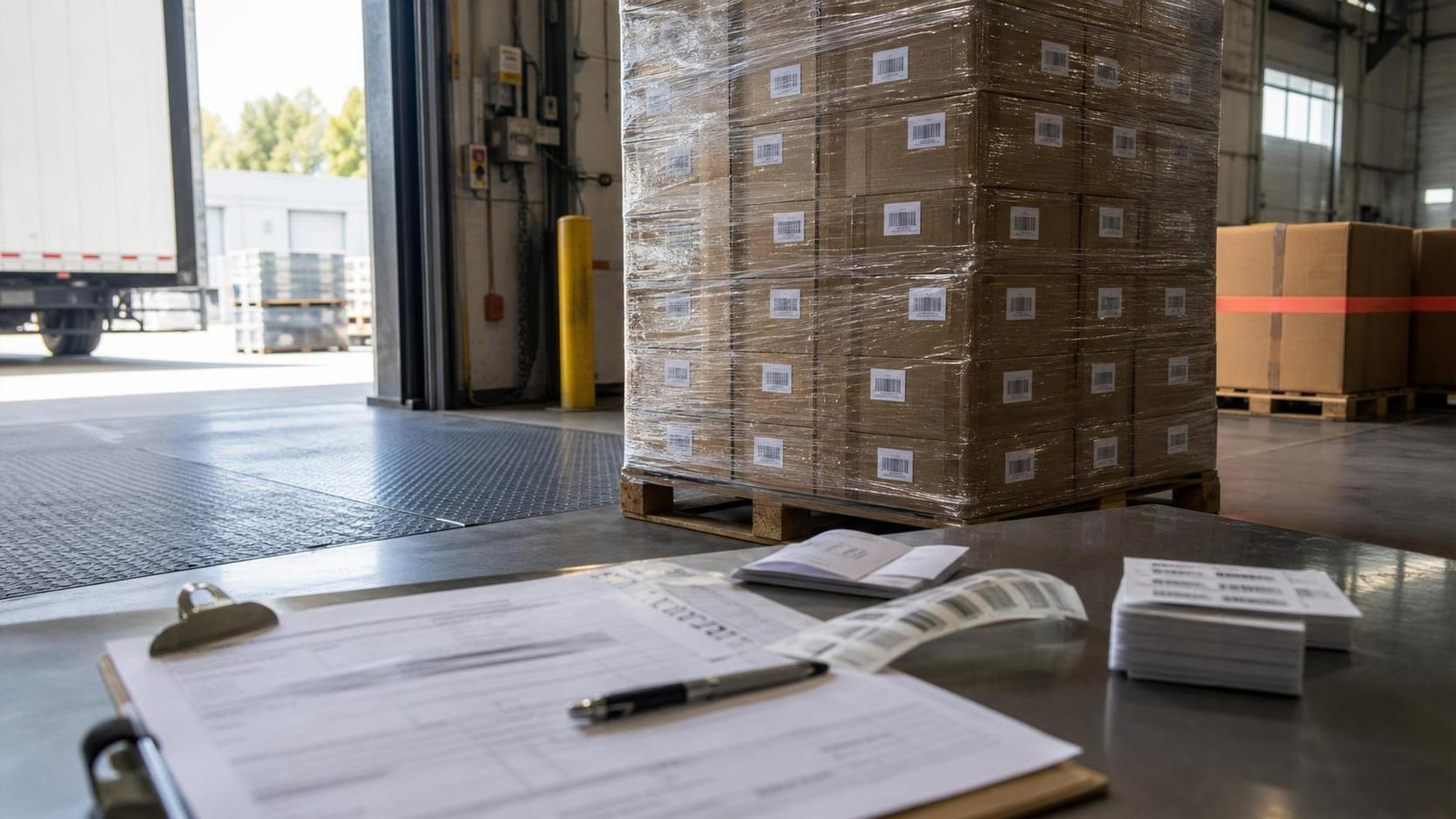
Two new FDA food-enforcement records are a useful reminder that recall readiness is not only a manufacturer problem. It becomes a merchant operations problem the moment a product is listed, sold, bundled, stored, or fulfilled through a Shopify store.
The higher-risk alert is a Class I recall for MOGO Pure Moringa Oleifera Capsules, 180-count bottles, after the product may be contaminated with Salmonella Typhimurium. The FDA enforcement record lists recall number H-1128-2026, event 99071, an ongoing status, 23,186 bottles, and nationwide ecommerce distribution through Amazon, Ebay, Etsy, and the firm's own site. It also lists the affected lot codes as 15525AA with an expiration date of 6/2027 and 00926AA with an expiration date of 1/2028. FDA openFDA enforcement record for recall H-1128-2026[1]
The second alert is a Class II recall for Fry Pie Factory Pepperoni Rolls, 5 oz individually packaged rolls with UPC 601959803041, because of undeclared milk and a refrigeration process deviation. The FDA enforcement record lists recall number H-1136-2026, event 99275, 850 individual units, distribution in Ohio and West Virginia, and sell-by dates from 061226 through 062126. FDA openFDA enforcement record for recall H-1136-2026[2]
For Shopify merchants, the operational lesson is straightforward: a recall response depends on fields many stores do not treat as first-class data. Lot code, expiration date, sell-by date, supplier, received date, warehouse location, bundle membership, and customer order history all need to be searchable when the clock is running.
Quick answer
Shopify merchants that sell food, supplements, cosmetics, or expiry-sensitive goods should treat these FDA records as a batch-tracking drill: match the recalled product to exact lot, expiration, UPC, sell-by, supplier, and order records; hold affected inventory; identify customers; and preserve a source-backed close-out record. The two official records to anchor the workflow are FDA recall H-1128-2026 for MOGO moringa capsules and FDA recall H-1136-2026 for pepperoni rolls. FDA MOGO recall record[1] FDA pepperoni roll recall record[2]
Why these two alerts matter for Shopify stores
The moringa recall shows why supplement and wellness merchants need product-level and batch-level history. The product is sold as a shelf-stable supplement, the affected bottles are identified by lot and expiration date, and the distribution pattern includes ecommerce channels. If a Shopify merchant stocked those bottles, a plain product title search would not be enough. The merchant would need to know exactly which lots were received, which lots were still on hand, which lots were sold, and which customer orders contained the affected bottles.
The pepperoni roll recall shows a different but equally practical problem. It combines an undeclared allergen with a refrigeration process deviation. That means the store needs more than a SKU list. It needs sell-by dates, storage requirements, receiving notes, and a way to separate products that look identical to customers but are operationally different behind the scenes.
FDA explains that undeclared major food allergens are a serious labeling and safety issue because consumers with allergies rely on labels to avoid ingredients that can trigger reactions. FDA food allergies guidance[3] FDA also describes Salmonella as bacteria that can cause salmonellosis, with symptoms that may be serious for young children, older adults, and people with weakened immune systems. FDA Salmonella information[4]
Those facts change the merchant workflow. A recall is not just a banner on a product page. It is a controlled lookup, hold, notification, and documentation process.
The minimum recall data Shopify merchants should capture
Every food, supplement, cosmetic, or expiry-sensitive Shopify catalog should have a basic recall-readiness record for each received batch. FDA's public recall resources make clear that recall work depends on identifying the affected product, reason, firm, distribution pattern, and code information, so the merchant's internal record should preserve the same kind of traceable fields beside Shopify order and inventory history. FDA recalls, market withdrawals, and safety alerts[5] The exact field names can vary, but the operating model should include:
- SKU or variant ID
- Product title and supplier product name
- Supplier or manufacturer
- Lot code, batch code, or production code
- Expiration, best-by, or sell-by date
- UPC or GTIN where available
- Quantity received
- Received date
- Storage requirement, such as refrigerated, frozen, room temperature, or dry
- Warehouse, shelf, bin, or fulfillment location
- Quantity sold, quantity on hand, and quantity removed from sale
- Customer order IDs tied to the affected batch
- Staff action log showing who placed the hold, when, and why
That last field matters more than most teams expect. When a recall crosses shifts or departments, the store needs an audit trail. A later reviewer should be able to answer: which products were affected, when they were hidden or removed, which customers were contacted, and what inventory was quarantined.
What to do when an alert matches your catalog
Start by matching the recall record to your internal catalog with more than one identifier. For the moringa alert, match on product name, bottle count, lot code, and expiration date. For the pepperoni rolls, match on product name, UPC, sell-by date, package size, and supplier. Do not rely on title similarity alone; ecommerce titles are often abbreviated, rewritten, or translated.
Next, freeze saleable inventory for the affected batch. In Shopify terms, that usually means removing the product or variant from active channels, setting available inventory to zero, or moving affected stock to a non-saleable location. The important point is to preserve the evidence while stopping new sales.
Then identify customer exposure. If your store tracks lots at fulfillment, pull every order that received the affected lot. If lot tracking is not yet connected to fulfillment, use the narrowest defensible proxy: received date, sale date, location, supplier batch, or sell-by date. Document the limitation. A clear record of your matching method is better than a fuzzy spreadsheet with no assumptions written down.
Finally, preserve the source record. FDA's recall database and recall alert pages can change as recalls move from ongoing to completed or as firms update details. Keep the recall number, event ID, product description, code information, and date you checked it. FDA maintains a public recalls, market withdrawals, and safety alerts area that merchants can use as part of their verification workflow. FDA recalls, market withdrawals, and safety alerts[5]
How ShelfLife helps with this workflow
ShelfLife is built for the messy operational data that recall response depends on: expiry dates, batches, supplier records, CSV imports, and inventory status. The goal is not to replace FDA guidance, legal counsel, or a food-safety program. It is to make the merchant's own product history easier to search when an alert arrives.
For a supplement merchant, that means storing lot 15525AA and 00926AA as batch records instead of leaving them in a packing slip. For a food merchant, it means keeping sell-by dates like 061226 through 062126 connected to inventory and fulfillment decisions. For any merchant selling regulated or sensitive goods, it means turning recall response from a manual inbox panic into a repeatable checklist.
The simplest ShelfLife workflow looks like this:
- Import products and batches with lot, expiry, supplier, and quantity fields.
- Review expiring or recall-sensitive inventory regularly.
- When an FDA or supplier alert appears, search affected lot and date fields immediately.
- Mark affected batches as held or removed from sale.
- Export the affected batch and order list for customer-service follow-up and documentation.
This is not glamorous work. It is the unglamorous work that keeps a small store from losing track of what was sold, what is still on the shelf, and which customers need a clear answer.
Practical checklist for today's FDA records
For the MOGO moringa recall, merchants should search against the exact lot and expiration details in FDA recall H-1128-2026. FDA MOGO recall record[1] Search for:
- MOGO Pure Moringa Oleifera Capsules
- 180-count quick release veggie capsules
- lot 15525AA, expiration 6/2027
- lot 00926AA, expiration 1/2028
- supplier or marketplace purchases connected to MOGO Moringa LLC
For the Fry Pie Factory pepperoni roll recall, merchants should search against the exact UPC and sell-by dates in FDA recall H-1136-2026. FDA pepperoni roll recall record[2] Search for:
- Pepperoni Rolls, 5 oz
- UPC 601959803041
- sell-by dates 061226 through 062126
- products requiring refrigeration
- product listings or bundles where milk may not be declared clearly
If any match appears, the merchant should place the affected units on hold, stop sale through active channels, verify order exposure, and follow the recall instructions from the recalling firm and relevant authorities. The store should also capture screenshots or exports showing the action taken, because recall work is easier to defend when the record is complete.
For the broader operating pattern behind this checklist, see the related ShelfLife guide on product batch tracking and FEFO for Shopify.
FAQ
What is a Class I recall?
FDA uses Class I for situations where there is a reasonable probability that use of or exposure to a violative product will cause serious adverse health consequences or death. The MOGO moringa record is listed as Class I in the FDA enforcement data.
What is a Class II recall?
FDA uses Class II for situations where use of or exposure to a violative product may cause temporary or medically reversible adverse health consequences, or where the probability of serious adverse health consequences is remote. The pepperoni roll record is listed as Class II.
Should a Shopify merchant remove every similar product?
Not automatically. The better first step is to match the recall's product description, UPC, lot code, expiration date, sell-by date, supplier, and receiving records. If the store cannot confidently isolate affected units, it may need to hold a broader set while it verifies the facts.
Is a product title enough to find affected orders?
No. Product titles change, variants merge, suppliers rename items, and bundles hide individual components. Batch, lot, expiration, UPC, supplier, and fulfillment records make the lookup much more reliable.
Do online-only stores need recall records?
Yes. The MOGO record specifically lists ecommerce distribution channels. Online stores still need to know what they bought, what they listed, what they sold, and which customers received affected goods.
Can ShelfLife decide whether a product is legally recallable?
No. ShelfLife helps organize merchant inventory, batch, expiry, and supplier records. Recall classification, legal duties, and customer notice requirements should be verified against official sources such as FDA recall records, the recalling firm, and qualified advisors. FDA recalls, market withdrawals, and safety alerts[5]
What should be exported after a recall match?
Export the affected batch list, current inventory count, hold/removal timestamp, related order IDs, customer-service status, and source recall details. Keep the recall number and source URL with the export, because the FDA enforcement record is the anchor for product, code, distribution, and recall-status details. FDA MOGO recall record[1]
Disclaimer
This article is operational guidance for Shopify merchants and is not legal, medical, food-safety, or regulatory advice. Recall details should be verified against FDA records, the recalling firm, and qualified professional guidance before customer notices, disposal decisions, relabeling, refunds, or other compliance actions.